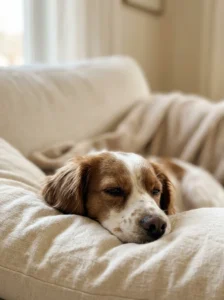
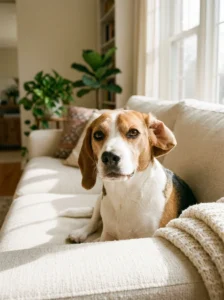
I check my phone about eighty times a day. Embarrassing, but true. For years, every glance showed me a default blue swirl and a delivery notification. Then one rainy Tuesday I swapped in a photo of my beagle, Biscuit, fast asleep with one ear flipped inside out. Every glance since has made me smile. If your screen needs the same treatment, these dog lockscreen ideas are where I’d start, plus a few tips so your photos actually look good.
Why Your Lockscreen Deserves a Little Effort
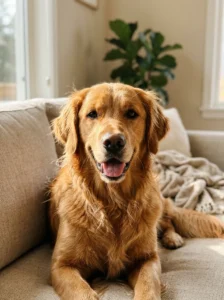
You see it more than your front door. That’s the whole point. A photo of your dog takes two seconds to set, and some people find a familiar, happy face a nice little pause in a stressful day. It’s a small thing. But small things add up.
You don’t need a fancy camera. Your phone, decent light, and a pocket of dog-safe treats are plenty. Wipe the lens first, because nose smudges are real. Then get down to your dog’s eye level.
12 Dog Lockscreen Ideas
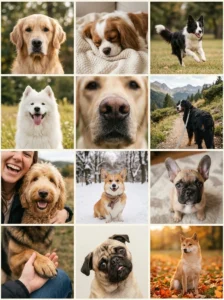
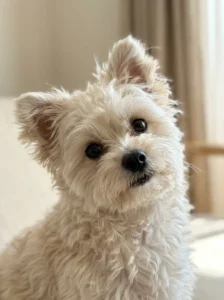
1. The Classic Portrait. Head and shoulders, soft window light, eyes just past the camera. Leave room at the top for the clock.
2. The Sleepy Face. Snoot squashed against a cushion, one eye half open. Take it quietly, and turn off the shutter sound.
3. The Zoomie Blur. Ears flying, legs everywhere. Use burst mode and pick the funniest frame.
4. The Happy Pant. Tongue out after a walk, grinning like he owns the park.
5. The Nose Close-Up. One enormous wet nose filling the frame. Weirdly cute, and it leaves space for widgets.
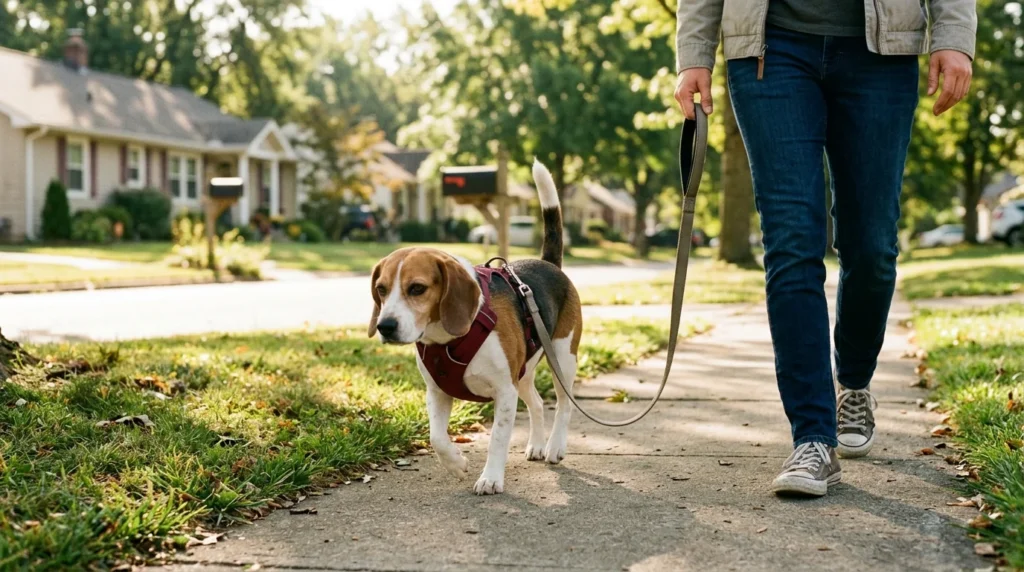
6. The Walk Ahead. Your dog from behind, trotting down a trail with the lead trailing. Great if you like scenery.
7. The Selfie Duo. You and your dog, cheek to snout. Hold a treat above the lens so he looks up.
8. The Matching Backdrop. A ginger dog in autumn leaves, a white dog in snow. The colors do the work.
9. The Puppy Throwback. Dig out that first-week photo. Instant melt.
10. The Paw on Your Knee. Just a paw and a hand. Sweet, simple, and no face required.
11. The Silly Face. Mid-yawn, mid-sneeze, or mid-shake. These are the ones that make you laugh at red lights.
12. The Seasonal Swap. Rotate with the year: snow in January, blossoms in April, pumpkins in October. Your screen never gets stale.
The Tip That Surprised Me
Check where your clock sits before you pick a photo. For a full week, Biscuit’s face vanished behind the time, and I wondered why I wasn’t smiling more. Now I drag the photo down so his eyes sit below the clock.
Picture it: you wake up, glance at your phone, and there’s a big, silly face looking back. That’s the payoff. And if your phone lets you pick a few photos that rotate, use them. You’ll keep spotting new details.
Photo Tips That Actually Help
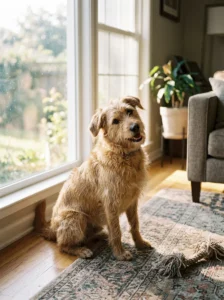
Shoot near a window, not under harsh ceiling lights. Early morning and late afternoon give the softest glow. Keep sessions short, five minutes tops, and stop while your dog’s still keen.
Reward calm behavior with a small treat, and keep treats a small part of his daily food. Burst mode saves you with wriggly dogs. And edit lightly, because a quick crop beats heavy filters every time.
A Real Example From My Friend Jo
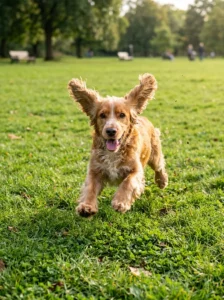
Jo’s spaniel, Kipper, never sits still. She stopped trying to pose him and started taking photos mid-fetch instead. Her best shot was a muddy, joyful blur with ears streaming. She set it as her lockscreen and says colleagues now ask about “the dog on your phone.” Her tip? Take twenty bad photos to get one great one.
Mistakes and Warnings Worth Knowing
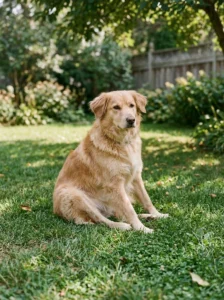
Skip the flash. It can cause red-eye and startle nervous dogs. Natural light is kinder and looks better.
Don’t force a pose. If your dog flattens his ears, yawns repeatedly, or turns away, he’s telling you he’s done. Take a break and try another day. No photo is worth a stressed pup. Never pose him somewhere risky, like a ledge or near traffic, just for a shot.
Mind your privacy. Your lockscreen is visible to anyone who picks up your phone, so avoid photos where his tag shows your phone number or address. Crop it out.
And don’t lure him with anything unsafe. Use plain, dog-safe treats, never chocolate, grapes, or anything sweetened with xylitol. If your dog eats something risky, call your vet straight away.
Quick Questions
What size should the photo be?
Most phone photos work fine. Portrait orientation fits best, so turn your phone upright when you shoot.
Can I use an old photo?
Absolutely. Throwback shots are often the best.
What if my dog hates the camera?
Try candid shots from a distance instead. Many dogs relax when they’re not being stared at.
Ready to Pick From These Dog Lockscreen Ideas?
You don’t need all twelve. Pick one, maybe the sleepy face or the happy pant, and set it this week. The best dog lockscreen ideas are the ones that make you smile every time you glance down. Take a few photos tonight, choose your favorite, and see how it feels.
Want to reward your model afterward? Have a look at my post on easy homemade dog treats. And tell me: what’s on your lockscreen right now, and does your dog know?